


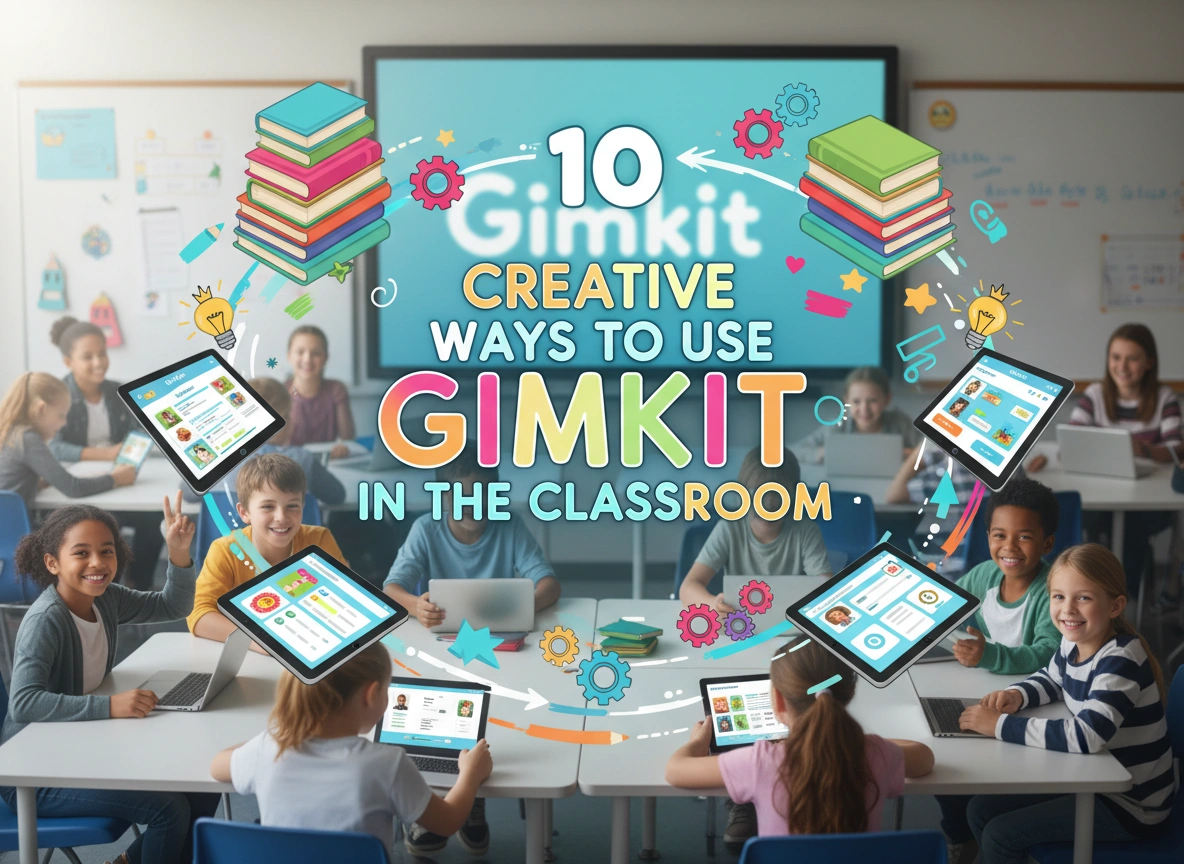
Gamification has transformed the modern classroom. It turns passive review sessions into high-energy, collaborative experiences where students genuinely want to participate. Among the various tools available, Gimkit stands out because it was built by students, for students. It offers a unique economy-based system where knowledge earns currency, allowing players to purchase upgrades and power-ups. This simple twist adds a layer of strategy that keeps engagement high long after the novelty of a standard quiz wears off.
If you have only used Gimkit for basic test reviews, you are missing out on its full potential. This platform offers incredible flexibility for formative assessment, homework, and even social-emotional learning.
This guide explores 10 creative ways to integrate Gimkit into your teaching strategy to maximize student engagement and learning retention.
1. The “KitCollab” Review Session
One of the most powerful features in Gimkit is KitCollab. Instead of the teacher creating all the questions, students contribute their own. This flips the script on traditional review sessions by placing the responsibility of content creation on the learners.
How it works:
You start a KitCollab mode, and students submit questions based on the material you recently covered. You can review and accept questions in real-time. Once the “kit” is built, the class plays the game together using the questions they just wrote.
Why it works:
- Higher-Order Thinking: Writing a good question requires a deeper understanding of the material than simply answering one.
- Ownership: Students feel a sense of pride when their question pops up on the screen.
- Relevance: It reveals exactly what concepts students are confident in and where they might be confused.
Implementation Example:
Before a unit test on the American Revolution, ask each student to submit one question about a key figure and one about a major battle. Reject questions that are too simple or factually incorrect, using it as a teachable moment to clarify misconceptions immediately.
2. Introduce New Vocabulary with “Flashcard Mode”
While Gimkit is famous for its competitive modes, it is also an excellent tool for introduction and repetition. When starting a new unit, students often struggle with terminology. You can use Gimkit to introduce these terms in a low-stakes environment.
How it works:
Create a kit that focuses strictly on vocabulary definitions. Play a mode like “Trust No One” (similar to Among Us) or a cooperative mode where the focus isn’t just speed, but accuracy and deduction.
Why it works:
- Repetition: The game mechanics ensure students see the same terms multiple times, reinforcing memory.
- Context: Seeing words in a game setting makes them less intimidating than a static list on a whiteboard.
Implementation Example:
In a Biology class, introduce cell organelles by playing a cooperative mode like “The Floor is Lava.” The class must work together to keep the game going, which requires everyone to learn the definitions of “mitochondria” and “nucleus” quickly to survive.
3. Homework Assignments They Actually Do
Gimkit isn’t restricted to synchronous live play. You can assign “kits” as homework. Unlike a worksheet that might be copied or rushed through, a Gimkit assignment requires active participation to reach a goal.
How it works:
You assign a kit with a specific deadline. However, instead of grading based on percentage, you can set a monetary goal (in-game currency). Students play until they earn that amount.
Why it works:
- Self-Paced Learning: Students who struggle can take their time and answer more questions to reach the goal, while advanced students might finish faster.
- Mastery over Speed: To earn money efficiently, students need streaks. This encourages them to be careful and accurate rather than guessing.
Implementation Example:
For math homework, assign a “Multiplication Mastery” kit. Set the goal to $1,000,000 in-game cash. Students can play the mode as many times as they need to reach that total, ensuring they get plenty of practice reps without feeling penalized for initial wrong answers.
4. Differentiated Instruction Stations
In a blended learning environment or a classroom with stations, Gimkit serves as an excellent independent station. It frees you up to work with small groups while the rest of the class remains engaged.
How it works:
Set up a station with Chromebooks or tablets dedicated to Gimkit. You can have different codes active for different groups of students based on their learning levels.
Why it works:
- Targeted Practice: Group A can work on basic identification while Group B works on complex analysis, all within the same platform.
- Autonomy: Students manage their own progress, and the immediate feedback loop keeps them on task without constant teacher supervision.
Implementation Example:
During a language arts rotation, have one group analyzing sentence structure with you. Have a second group working on a Gimkit specifically designed for identifying passive vs. active voice.
5. Bell Ringers and Exit Tickets
Short, focused bursts of activity are perfect for transitioning students into or out of learning mode. Gimkit is fast enough to serve as a bell ringer (warm-up) or an exit ticket.
How it works:
For a bell ringer, use a short 5-minute timer with questions from the previous day’s lesson. For an exit ticket, use questions covering what was just taught.
Why it works:
- Immediate Data: You get a report instantly showing who grasped the concept and who didn’t.
- Energy Management: It wakes students up at the start of class or sends them off with high energy.
Implementation Example:
As students walk in, have a code on the board for a “yesterday’s recap” game. By the time the bell rings, everyone is seated, logged in, and their brains are activated for the subject matter.
6. Social-Emotional Learning (SEL) Check-ins
Gimkit offers modes that are less about academic rigor and more about interaction and fun. Using these for SEL can build classroom culture.
How it works:
Use the “Draw That” mode or simply create questions that are about student interests, opinions, or getting-to-know-you facts rather than curriculum.
Why it works:
- Community Building: It allows students to see shared interests and interact in a non-academic way.
- Stress Relief: A 10-minute game of “Draw That” on a Friday afternoon can significantly lower stress levels and improve teacher-student rapport.
Implementation Example:
On a Monday morning, run a “Weekend Vibes” kit where questions ask about their favorite movies, foods, or what they did over the weekend. Use it to gauge the room’s mood before diving into heavy content.
7. The “Flipped Classroom” Accountability Tool
If you use a flipped classroom model where students watch lectures or read content at home, it can be difficult to ensure they actually did the prep work. Gimkit solves this.
How it works:
Start class with a Gimkit based strictly on the at-home reading or video.
Why it works:
- Accountability: Students know they will be “tested” immediately, which increases compliance with homework.
- Identification: You identify immediately which students didn’t do the reading, allowing you to pull them for a quick catch-up while others move to application tasks.
Implementation Example:
After assigning a chapter of The Great Gatsby for reading, start the next class with a Gimkit focusing on plot points from that specific chapter.
8. Collaborative Team Mode for Soft Skills
While individual competition is fun, Team Mode fosters communication and collaboration. Students must work together to pool their resources and purchase upgrades that benefit the group.
How it works:
Divide the class into teams. In Team Mode, all earnings go into a shared pot. Students have to verbally communicate to decide who buys the “multiplier” upgrade and who buys “insurance.”
Why it works:
- Communication: Students must talk to strategize effectively.
- Strategy: It teaches resource management and collective decision-making.
Implementation Example:
During a physics review, group students into teams of four. Tell them they need to earn a collective $10,000,000. Watch as they naturally assign roles—one person focuses on answering quickly, while another manages the shop upgrades for the team.
9. Content Reinforcement with “Infinity Mode”
Sometimes you want the game to keep going until mastery is achieved, rather than racing against a clock. Infinity Mode allows the game to continue until the teacher decides to end it or a specific collaborative goal is met.
How it works:
The class works together to collect “Infinity Stones” (or a similar mechanic depending on the current season’s theme). The game doesn’t end until the class succeeds together.
Why it works:
- Unity: It is “us vs. the game” rather than “student vs. student.”
- Resilience: If they fail to collect the stones, they have to try again and adjust their strategy.
Implementation Example:
Use this before a major holiday break when focus is low. Challenge the class: “If you can beat the Infinity Mode boss as a class, no homework over the break.” The level of focus will skyrocket.
10. Student-Led “Teacher for a Day”
Take KitCollab a step further. Assign a small group of students to design a full Gimkit game as their project deliverables.
How it works:
Instead of a presentation or a poster, a group of students must create a comprehensive Gimkit review for the unit to test their peers.
Why it works:
- Synthesis: Creating a comprehensive quiz requires synthesizing all the information from a unit.
- Peer Teaching: Students often explain concepts to each other better than adults can.
Implementation Example:
For a history project on World War II, one group creates a Gimkit on the European Theater, another on the Pacific Theater. The groups then swap and play each other’s games. The creators must be prepared to explain the correct answers if their peers get stuck.
Conclusion
Gimkit is far more than a digital quiz; it is a versatile platform that adapts to various pedagogical needs. Whether you need a quick bell ringer, a deep collaborative learning session, or a way to make homework engaging, Gimkit has a mode for it.
By moving beyond simple test review and integrating these creative strategies, you ensure that your classroom remains a dynamic environment where students are excited to learn. Start small—try one of these methods this week—and watch how the energy in your classroom shifts.
